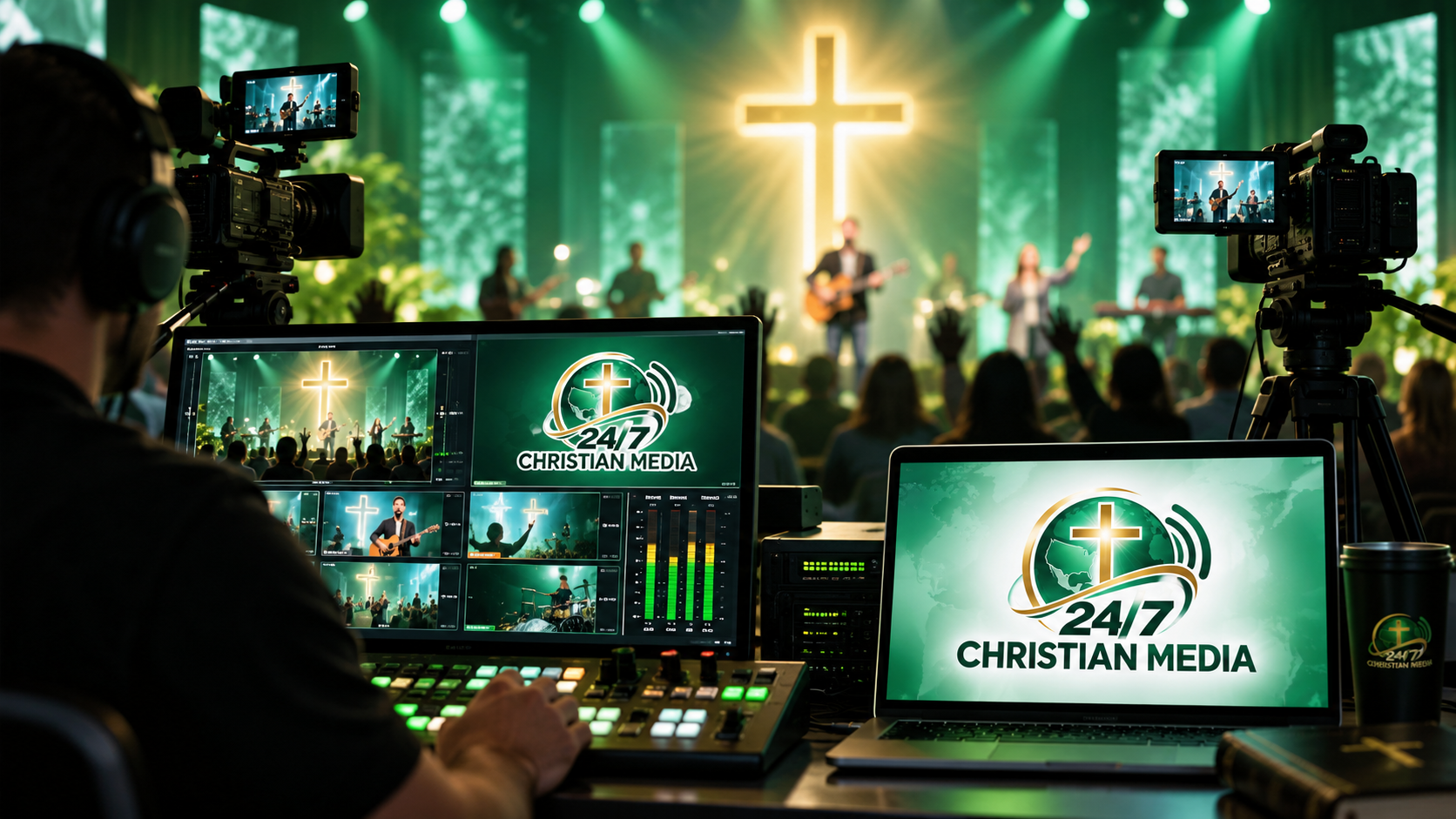
Live Services
Stream weekly worship and teaching with embedded playback for your website or ministry portal.
“Let the words of my mouth, and the meditation of my heart, be acceptable in thy sight, O LORD.”Psalm 19:14 Bible API Lab →
This demo uses the MP4 media supplied for the project, with a responsive 16:9 player, local hosting, playlist switching, playback status and animated studio meters.
We can help build workflows that capture your live service for later playback, archive important events, publish selected content to your website and connect recordings to podcast or app experiences.
Stream weekly worship and teaching with embedded playback for your website or ministry portal.
Record live feeds for catch-up, sermon archives, clips and on-demand viewing.
We can design workflows for distributing ministry video to supported destinations and owned platforms.
Live services and smaller events
For weekly church broadcasting
For larger events and media ministries
Professional ministry technology is not only about the feature list. It is about understanding who will use the system, what happens when the service goes live, what needs to happen afterward and how the organisation will be supported as it grows.
Our approach to Live Video Streaming begins with the people and the mission rather than with a server specification. The service is designed for churches, Christian conferences, worship ministries, teaching organisations and broadcasters that need dependable live and on-demand video. The objective is to take a camera or production feed and turn it into a viewing experience that works cleanly across modern browsers, phones, tablets and connected screens. That means we ask practical questions first: who is creating the content, who is watching or listening, what happens if a volunteer is operating the system, what should remain available after the live moment, and what level of control does the ministry actually need?
For a church, the important thing may be that a member who is unwell can still hear the message. For a Christian broadcaster, the important thing may be reliable 24/7 programming and accurate Now Playing information. For a ministry with several channels, the priority may be one control area that keeps media organised. The technology should adapt to those outcomes instead of forcing every organisation into the same workflow.
Every digital media experience has a chain behind it. In this area the source might be Sunday worship, conferences, Bible teaching, prayer meetings, interviews, special events and studio productions. We plan what captures that source, where it is sent, how it is processed, what is stored, how it is published and what the audience sees. That end-to-end view is important because many “player problems” actually begin earlier in the signal path, and many “website problems” are really content or API problems underneath.
Our toolkit can include RTMP ingest, HLS playback, cloud recording, web video players, adaptive workflows, replay libraries and multi-destination planning. We choose the pieces that suit the requirement rather than adding technology simply because it is fashionable. A simple ministry should be allowed to stay simple. A complex broadcaster should have room for automation, redundancy, metadata, monitoring and custom control where those capabilities genuinely improve the operation.
A church can send a programme feed from OBS or a hardware encoder, publish it to a responsive player, capture a cloud recording and then turn the finished service into an on-demand item for members who could not watch live.
A polished interface is only valuable when the systems behind it are dependable. Depending on the project, our engineering work can involve FFmpeg, RTMP, HLS, H.264/AAC, Nginx media gateways, player integration, recording workflows, file management, responsive video interfaces and stream health monitoring. We think about authentication, validation, caching, sensible file permissions, SSL, service health, logs, backup paths and what happens when an upstream service is temporarily unavailable. Those details are not always visible on the home page, but they are the difference between a demo and a platform that can support real ministry activity.
We also design for change. A ministry may start with one stream and later need multiple channels. A basic sermon archive may later need speakers, series, search, podcasts and mobile publishing. A website may grow into a member portal or media management system. Building with clean separation between content, presentation and infrastructure gives the organisation more room to grow without throwing everything away.
Church technology often has a unique usability requirement: the person operating it may be a full-time media director, but it may also be a volunteer who uses the system once a week. Interfaces therefore need clear status information, predictable controls and sensible defaults. We favour dashboards that show what is live, what is recording, what needs attention and what the next action should be, rather than hiding essential tasks behind layers of technical terminology.
That same thinking applies to the public experience. Players should be obvious. Sermons should be easy to find. Mobile layouts should not feel like a reduced desktop site. Contact and prayer forms should be comfortable to use. When a ministry publishes a piece of content, the website and app should present it in a way that reflects the care put into creating it.
Start with what you need today, but keep a route open for higher traffic, more storage, additional channels, mobile features or custom automation later.
Where appropriate, the complicated infrastructure can remain in the cloud so the church does not need to maintain broadcast servers inside the building.
Technology is easier to adopt when there is somewhere to ask a question. We combine the platform with practical technical support and guidance.
We measure success by whether the technology helps the organisation communicate, publish, reach and serve people more effectively.
No. We can work with technical teams when a ministry has them, but our services are also intended for organisations that want us to handle much of the technical complexity. We explain the parts your team needs to operate and keep the infrastructure side as manageable as possible.
Yes. That is often the best approach. Start with the live stream, website, hosting or app capability that solves the immediate need, then add recording, podcasting, additional channels, APIs or custom software when the ministry is ready.
In many cases, yes. We can review the current setup and determine whether integration, migration or a phased rebuild is the most sensible route. The aim is to preserve useful existing work rather than replace systems without a reason.
Support is part of how we think about the platform. We use monitoring, logs and clear troubleshooting steps to identify where a problem is occurring, then help the team restore service and understand what happened. For important broadcasts, preparation and testing are just as valuable as emergency troubleshooting.
Tell us what you want to stream, build or launch. We’ll help you create the right cloud media solution.